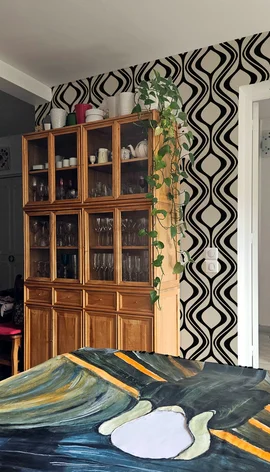
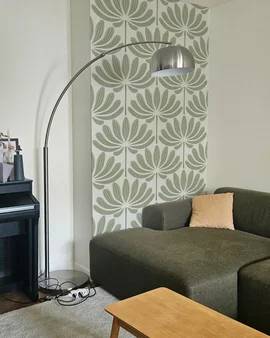
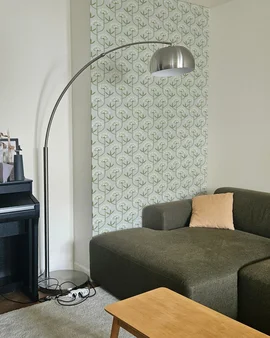
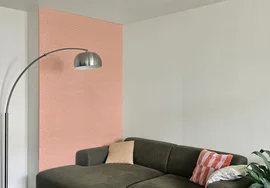
Room Photos
Find inspiration and get ideas for your own room styling and home decor!
With PatternShow's room photo looks, you can:
- Visualize wallpaper designs in your actual space with proper scale, perspective and lighting
- Get a better sense of scale and fit for wallpaper patterns
- Get direct links to buy the wallpaper you select in the right color and size
- Use your own room photos or public room photo mockups, and get inspiration from others
How to create a room photo look?
It's easy and fun! Just follow these 5 simple steps:
- Create a free account on PatternShow
- Upload a photo of your room or browse public room photo mockups
- Click on the walls you want to style, and automatically detect furniture, objects and plants in your room photo
- Try different wallpaper designs, colors and sizes and see them applied in your room in real time
- Save your room photo look, and if you'd like, share it with a few others or make it public for the community to see and get inspired by it!
Filtered by tag: living room
Clear Filter